Because Your Account Managers Are What Set You Apart
Operate is a mobile-first platform for landscape account managers that simplifies site walks, elevates customer communication, and eliminates administrative busywork.
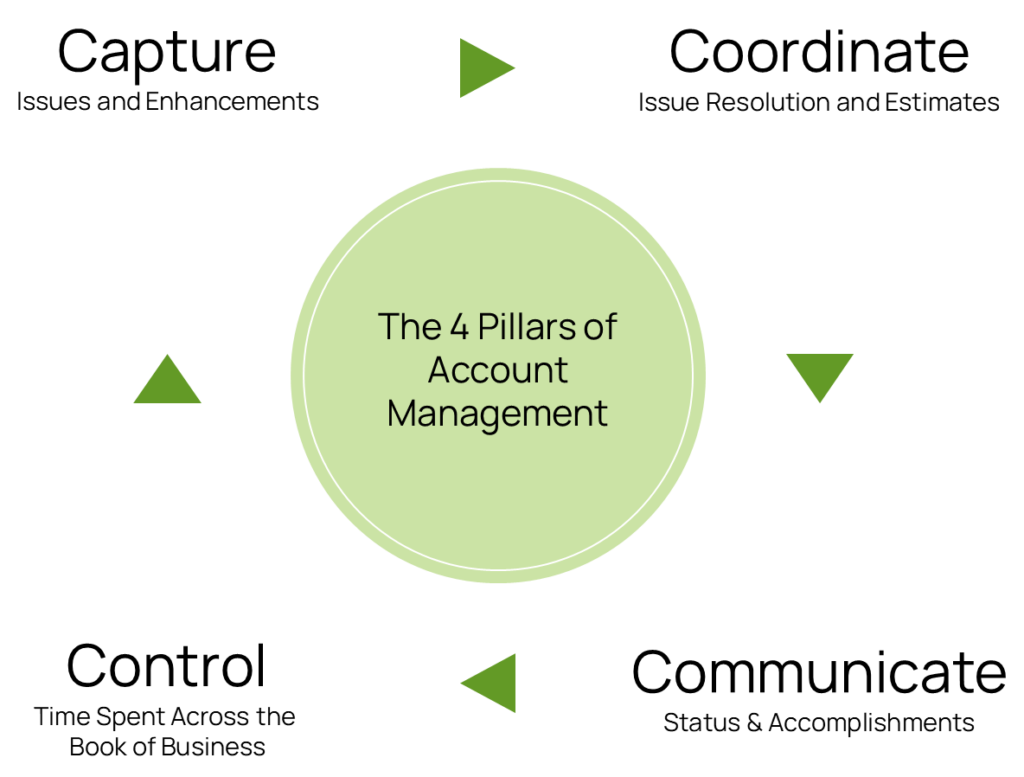
Capture Issues and Enhancements with incredible efficiency
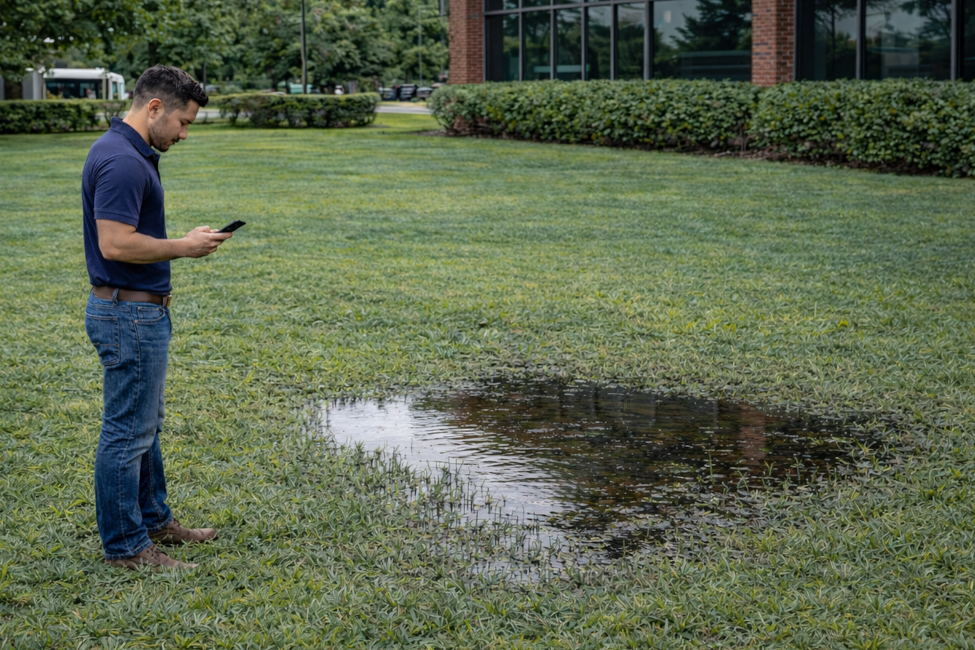
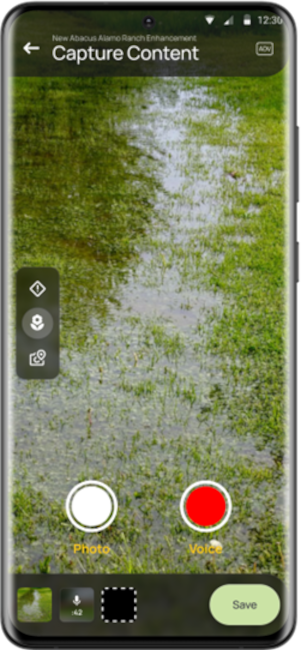
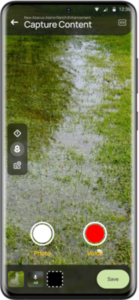
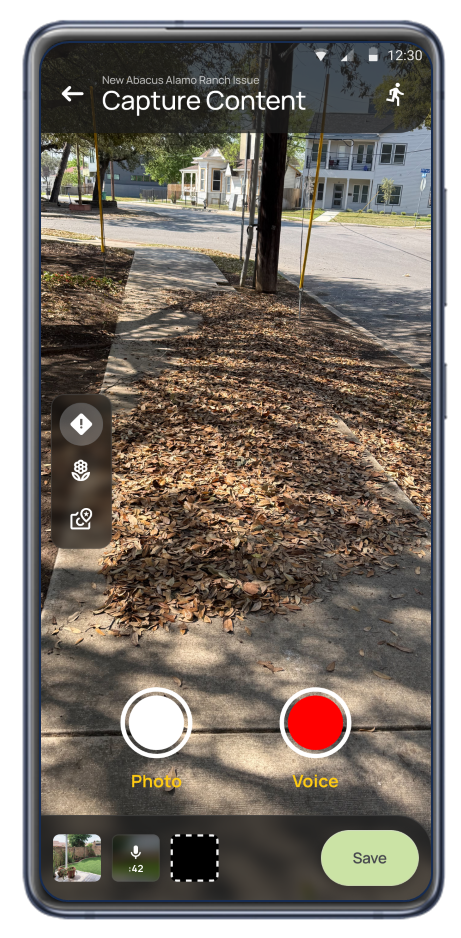
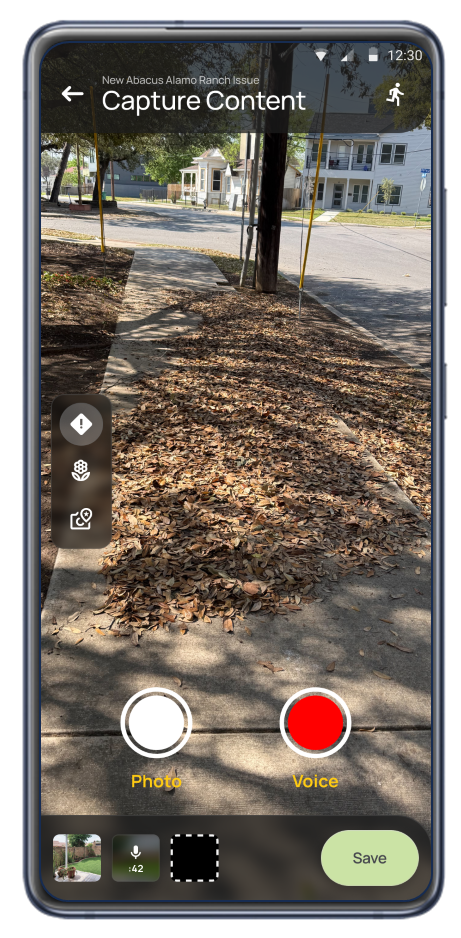
Snap a picture & voice record a brief description
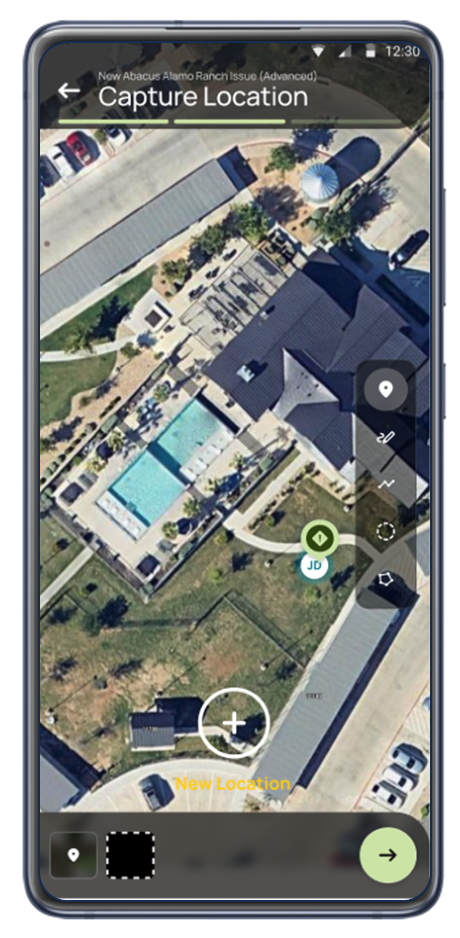
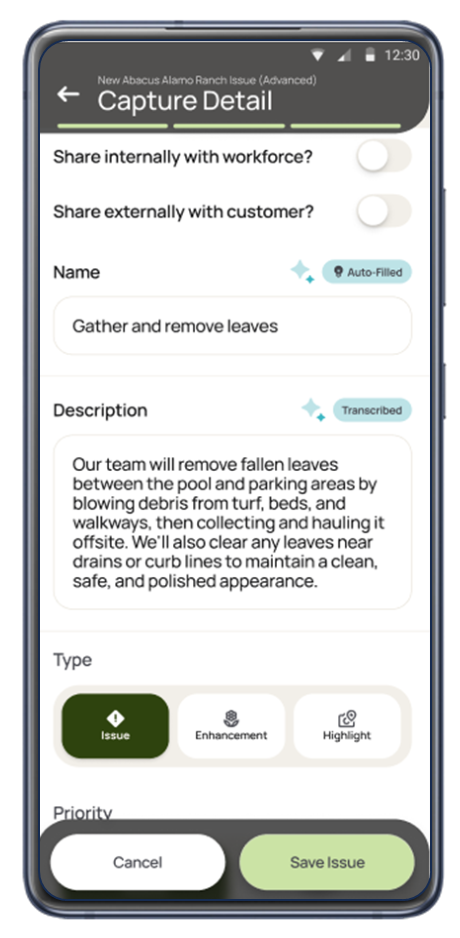
Operate maps and completes the Issue or Enhancement for you to Review
Provide a 24×7 customer portal, email notifications and auto-generated pdf reports.
Workflow manages assignments and progress tracking to completion.
Operate is a mobile-first platform for landscape account managers that simplifies site walks, elevates customer communication, and eliminates administrative busywork.
Capture Issues and Enhancements with incredible efficiency
Snap a picture & voice record a brief description
Operate maps and completes the Issue or Enhancement for you to Review
Provide a 24×7 customer portal, email notifications and auto-generated reports.
Workflow manages assignments and progress tracking to completion.
For most companies, focusing on making Account Managers more successful is the best opportunity for increased profitability and growth. This best-practice paper provides a guide to unlocking the transformative power of the Account Management role.
Take pictures and a voice recording, auto-capture location and review the details that are automatically filled out.
When Account Managers are outside, with a customer, in less-than-ideal conditions, they need an easy way to capture key information and details for follow up.
Use a simple, flexible, assignment to completion workflow for Issues and Enhancements. Give crews the information they need the first time. Integrate with back-end systems.
Get back 30% or more of Account Manager time by eliminating in-office administrative tasks via automation and spending less time in cumbersome back-end systems. Too much time is spent arranging for Issues to be addressed, verifying completion and arranging new services. Free that time for more Customer interaction and high value activities like pursuing Enhancements.
Give customers access to a curated, auto generated 24×7 portal with notifications.
Communication is a customer priority. What’s going on with Issues, what Enhancements should be acted upon and more. Eliminate time spent cutting and pasting and drafting e-mails while improving responsiveness.
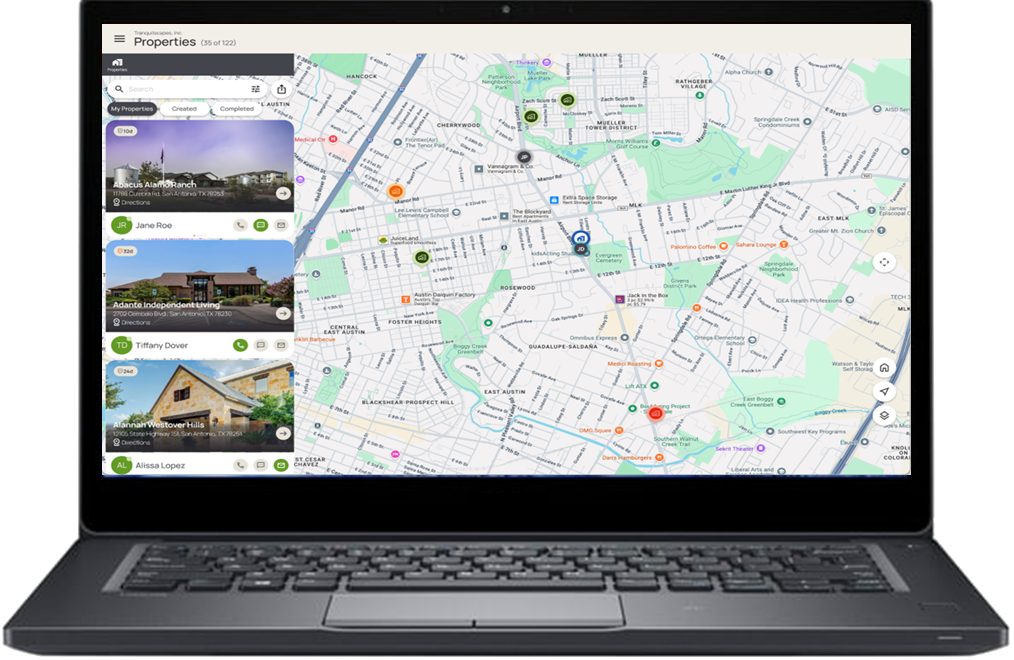
Review the book of business with time since last visit and contact for each property. Easily identify customers requiring attention.
Account Managers have a large portfolio of customers with varying demands, and every customer needs to receive the critical attention the business requires. It is important to invest time intentionally and in alignment with policy rather than reacting to the squeakiest wheels.
Intuitive and efficient. Take pictures and a voice recording, auto-capture location and review the details that are automatically filled out.
When Account Managers are outside, with a customer, in less-than-ideal conditions, they need an easy way to capture key information and details for follow up.
Start with a Picture and a Brief Voice Recording.
Location is Automatically Mapped.
Details are automatically filled in for you to review.
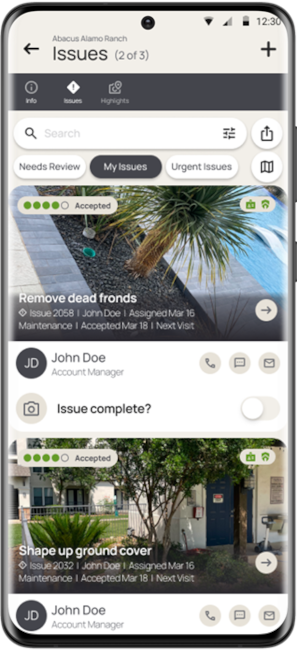
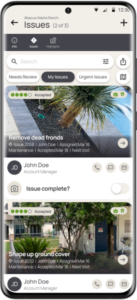
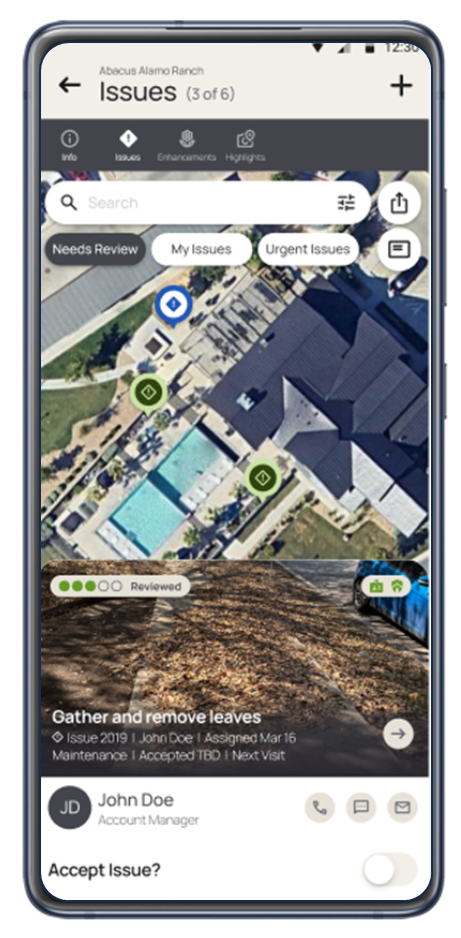
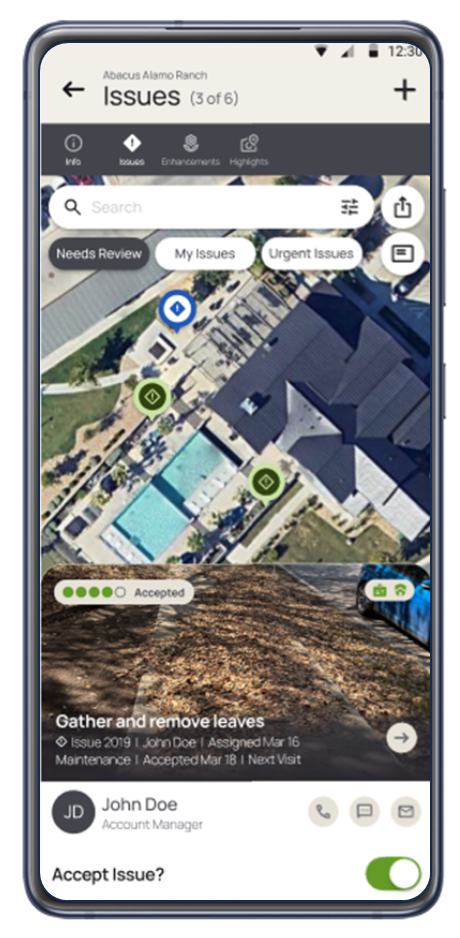
Easily assign Issues to Crew Leaders.
Assigned Crew Leader can Accept or reassign.
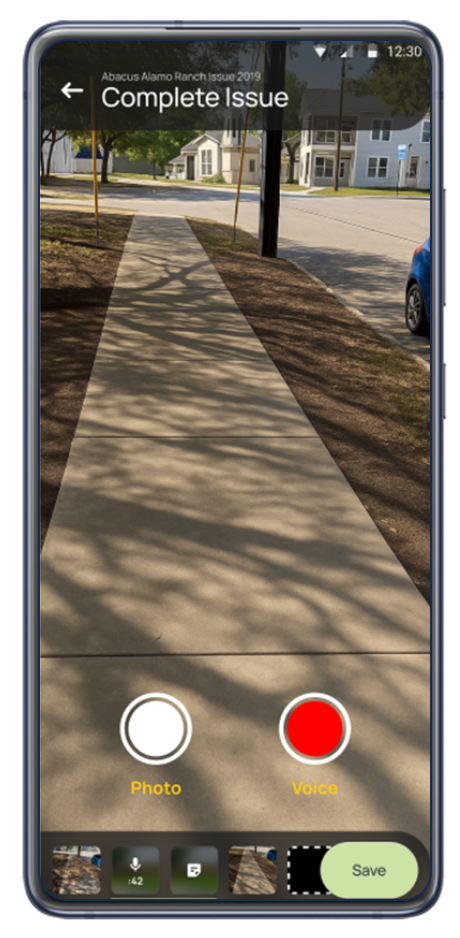
Assigned Crew Leader takes a picture upon completion.
Coordinate With Crews
Use a simple, flexible, assignment to completion workflow for Issues and Enhancements. Give crews the information they need the first time. Document resolution.
Get back 30% or more of Account Manager time by eliminating in-office administrative tasks. Too much time is spent arranging for Issues to be addressed and updating internal systems. Free that time for more Customer interaction and high value activities like pursuing Enhancements.
Communicate with Customers
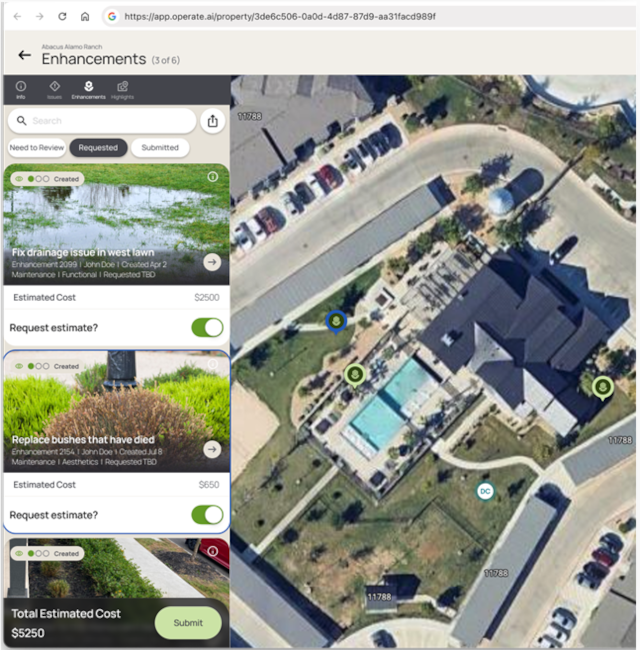
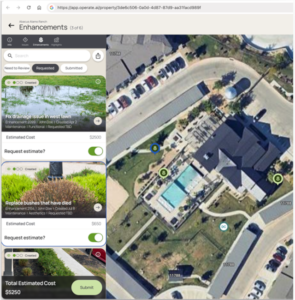
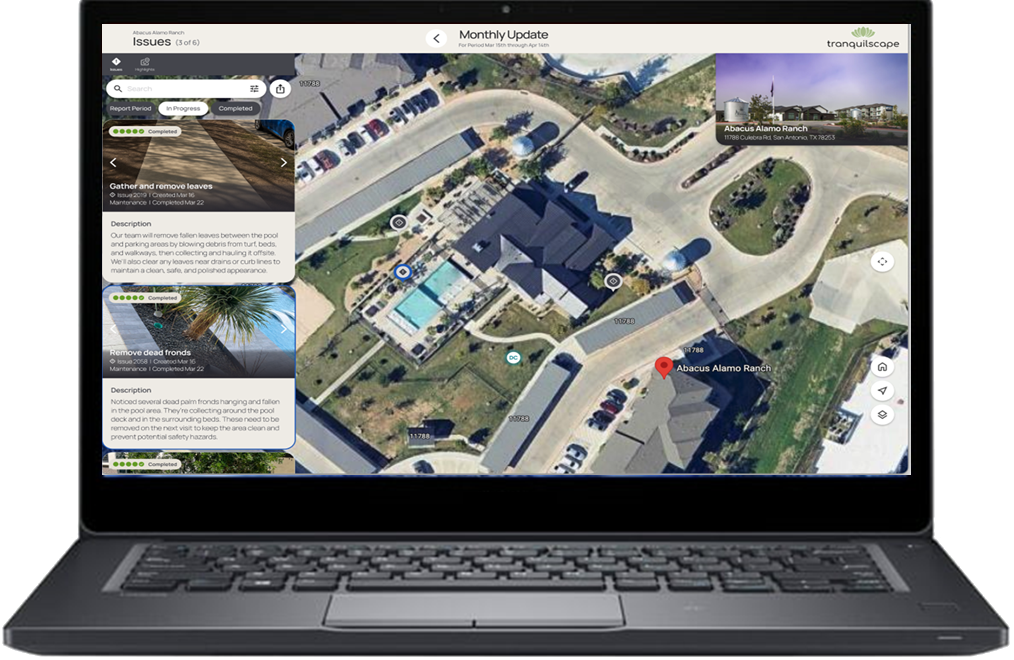
Give customers access to a curated, interactive 24×7 portal with e-mail notifications. Share Issue Status. Get Enhancement buy-in before estimating.
Proactive communication makes for happy customers. What’s going on with Issues, what Enhancements are being evaluated and overall property condition. Eliminate time spent cutting and pasting and drafting e-mails while improving relationships.
Customers gain 24×7 access to property information. No login required.
Keep tabs on which properties have and have not been recently visited.
Control and Prioritize Time Spent with Customers
Easily identify customers requiring attention. Review the book of business with time since last visit and contact for each property.
It is important to invest time intentionally and in alignment with policy rather than simply reacting. Account Managers have a lot of customers with varying demands, and every customer needs to receive the attention the business requires.